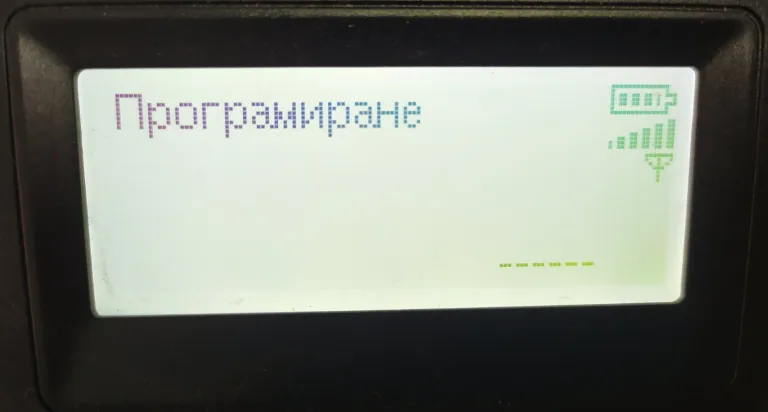
 Restart cash register You press the ALT button ( hold ), then the STL button ( hold ), then press the TL button and hold it as well. When pressing the buttons, do not release the last one! All 3 buttons must be pressed and held at the same time and in that order.Once...
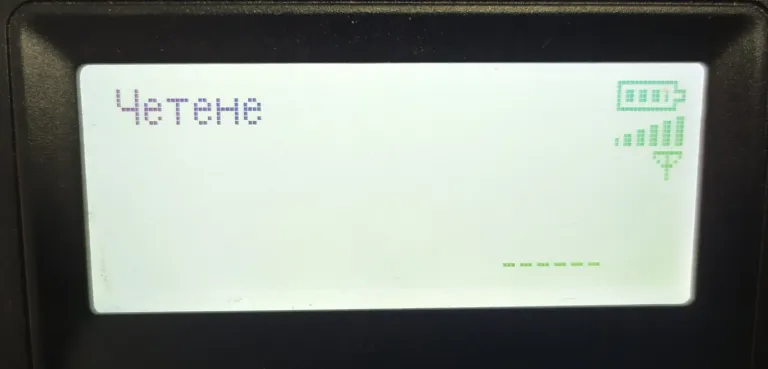 Copies of receipts for a certain period – Stamp Maple With the M button we go to the Read mode and enter the password: 9999 and the CLK button. The ALT button is then pressed (hold ) then the TL button is pressed at which point the display should read Stamp...
To reverse we need the original receipt you want to reverse and the cash register. 1.With the M button go to the “Register” mode password: 9999, press the CLK button on the screen you will see 0.00 2. Enter the code of the type of reversal ( there are...
Daily report Daily report: with M button go to “Reset” mode password: 9999 and CLK button – then TL Note: If the device has been updated a message will be displayed on the screen: If you press STL a complete daily financial report will print and save...
Copies of receipts for a certain period – Stamp Maple With the M button we go to the Read mode and enter the password: 9999 and the CLK button. The ALT button is then pressed (hold ) then the TL button is pressed at which point the display should read Stamp...
To reverse we need the original receipt you want to reverse and the cash register. 1.With the M button go to the “Register” mode password: 9999, press the CLK button on the screen you will see 0.00 2. Enter the code of the type of reversal ( there are...
Daily report Daily report: with M button go to “Reset” mode password: 9999 and CLK button – then TL Note: If the device has been updated a message will be displayed on the screen: If you press STL a complete daily financial report will print and save...
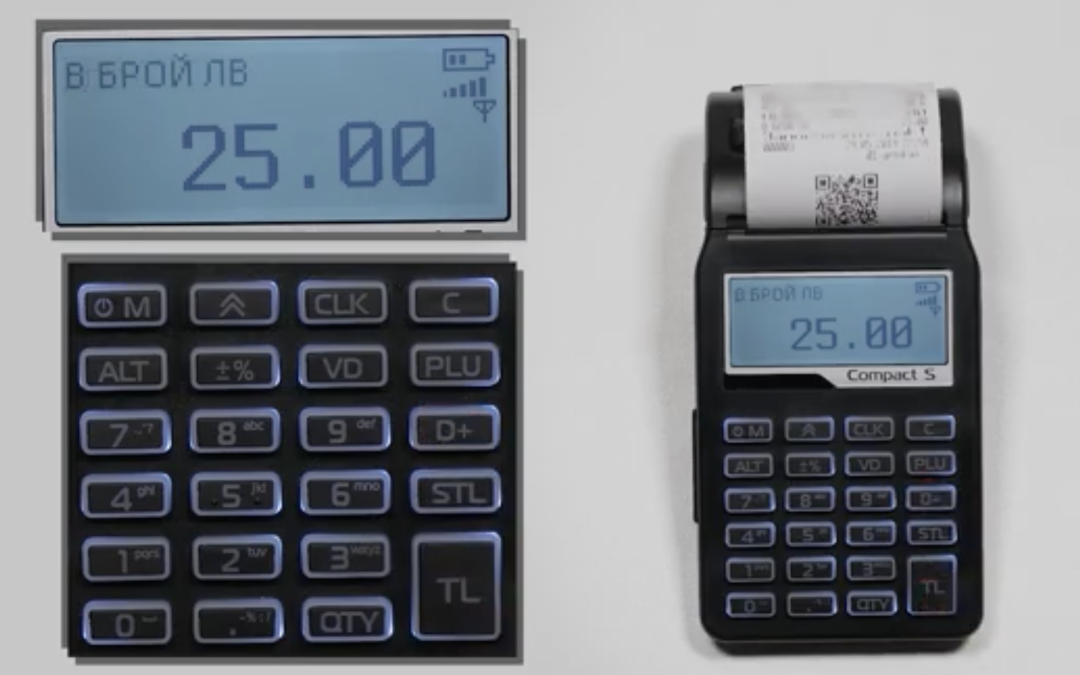 Payment in cash Enter the amount and then press the D+ button (for the first group), check the amount and finish with TL. Playing a note through 2, 3, 4… group: Enter the amount and then hold ALT together with the D+ button. The e screen will display ( DP No),...
