
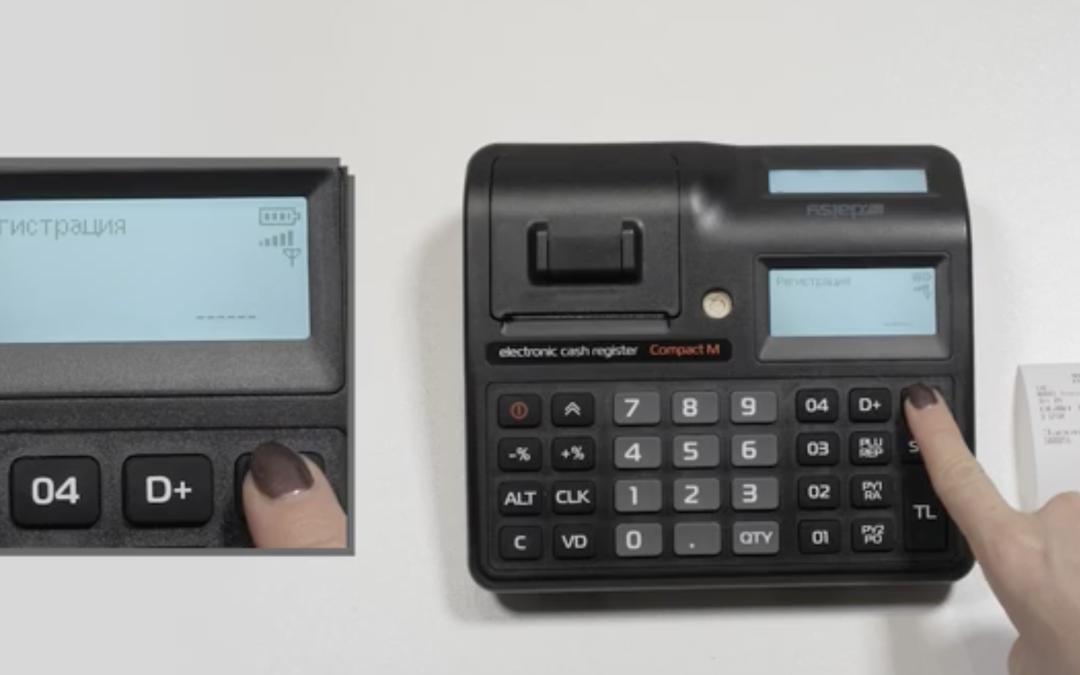
To reverse we need the original receipt you want to reverse and the cash register.
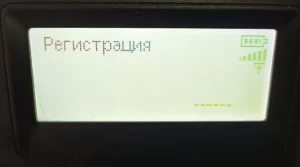
1. With the M button we go to the “Registration” mode and enter the password: 9999, press the CLK button on the screen will display 0.00
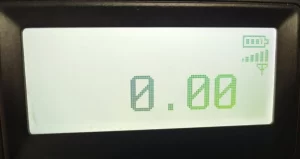
2. Enter the code of the type of reversal ( there are three types of reversals ):
Code: 91 is a stop claim;
code: 92 is a stop operator error;
Code: 93 is a reversal of a reduction in the tax base;
Enter the stop type code ( 91 or 92 or 93 ) press the ALT button ( hold) and press the VD button along with it.
3.Then it should write you out Doc. №123 ( This receipt number is located under “Come Again!” on the left side). It consists of 7 digits ( example: 0000111), end by pressing the STL button.
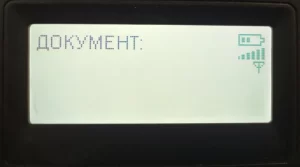
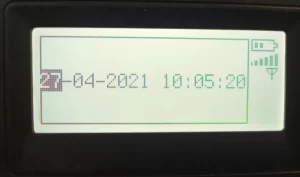
4. On the screen this will show you the “Date and Time” ( example: 01/04/19 14:10:00 ) at this point you enter first the date and then the time on your receipt, which is opposite the Doc. №123 ( no periods or commas ). Confirm with the TL button.
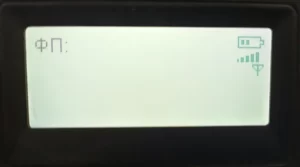
5. The screen will display your FP ( this is your fiscal memory number, which is located at the bottom of the receipt, and consists of 8 characters – starting with 36 ( example: 36010203 ). After entering your number, press STL.
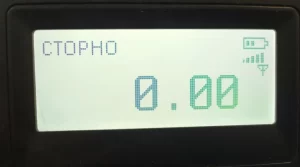
6. The display will say “Reversal Amount” 0.00, you need to enter the amount you want to reverse. Select the group from which the cash memo is released – with button 01 (for the first group) or 02, 03, 04 (for another group) and then finish with button TL.
Note: The reversal slip and the original slip shall be filed in the cash book for the day specified.If a reversal is made, there must be a greater amount in the cash book of the machine than the amount being reversed.
Example: if the claim note is worth 50 BGN, and the cash register has receipts for 30 BGN, this operation will not be possible and it will print one of the following errors: ERROR, OPERATION PROHIBITED, WRONG VALUE.
In this case, you have to enter money in the cash register, so the cash in the cash register must be larger than the note you wish to reverse.
The sticky note does not have to be done on the same day. Can be done at the end of the month.