Payment in cash
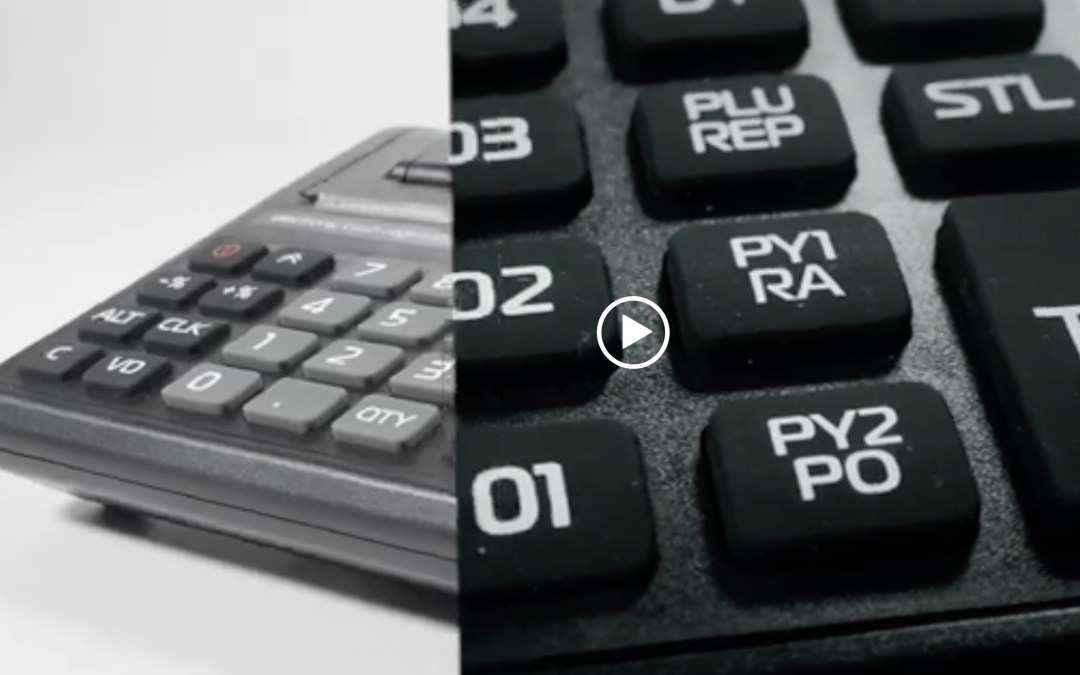
Enter the amount and then press 01 (for the first group), check the amount and then press TL.
* You can put a Discount or a Premium before pressing the TL button. Once the 01 button is pressed , select an amount and press -% for the discount. For an increment press +%, complete the operation with the TL button.
*VD button – after you have entered an amount and selected a department, you can use this button to make a correction before the 99 button is pressed.
*Copy of receipt – When the receipt is complete, press 99 and the TL button. A duplicate of the last receipt will be printed.
* STL Button – When accumulating more than one sale, we can see the subtotal.
*Button C – Deletes an error message from the screen as well as incorrect data entry.
Sales with quantity
Example: 2 → QTY→2.20 →01→TL
/Sale of 2 pieces (kg) per item with price 2.20 BGN in the first department/
Payment by card
Enter the amount, then press 01 or another department. Check the amount and press PY1.
Payment by cash on delivery
Enter the amount, then press 01 or another department. Check the amount and press PY2.
Payment in Euro
Enter the amount, then press 01 or another department. Check the amount and press ALT and PY2.
Amounts entered and withdrawn
Entered and displayed amounts are done by entering the corresponding amount from the numeric keypad in the “Registration” mode.
Clerical entry of amounts:
– Enter the amount, press the +% button
Official withdrawal of sums:
– Enter the amount, press the -% button
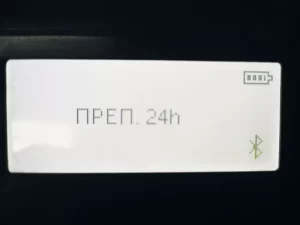
Error: “24 preps.”
- Clear the error with the C button. Press M button, go to Reset mode and run daily report.