
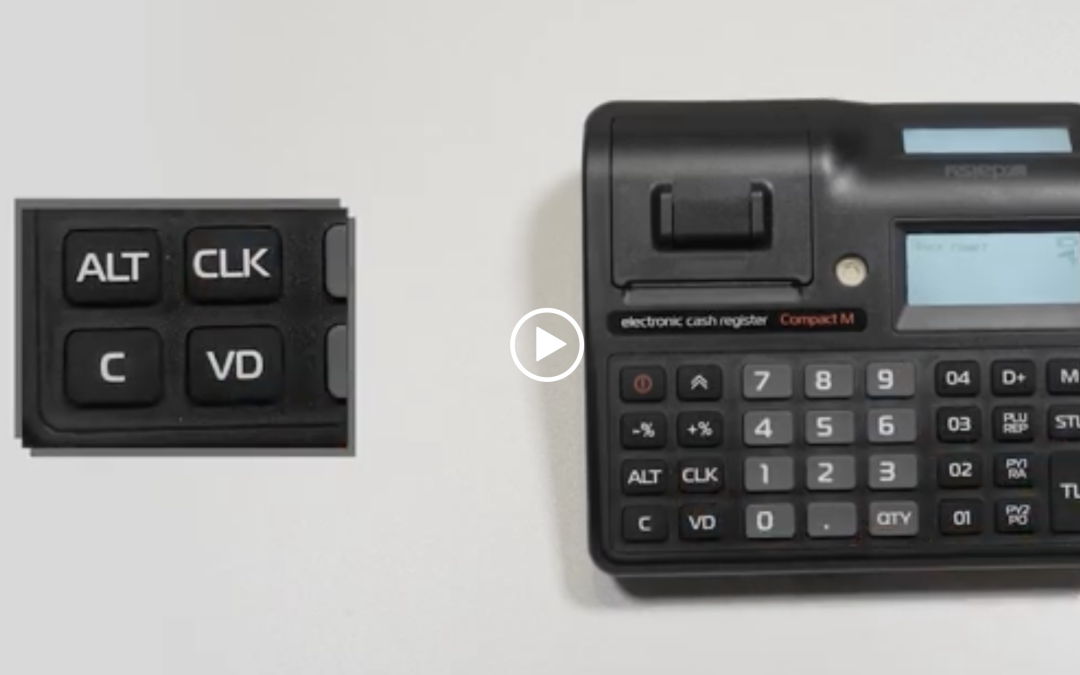
Daily report
With the M button we go to “Reset” mode password: 9999 and the CLK button – then TL
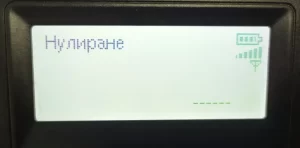
*Note: If the device has been updated a message will appear on the screen:

- If you press STL a complete daily financial report will print and save to Maple.
- If you press C it will not print a full daily financial report, but it will write the whole thing to maple and print a service receipt for it.
*Note: When reporting by operators, you can choose whether to run a report for a specific operator / 3 CLK / or for all CLK. When reporting by item, you can run, for all – PLU or by stock – STL, VD – periodic report, Department report – D+.
Periodic report by department
Z report must be run.
The sequence of operations to print the report is as follows:
- 1 – ALT – STL OT DATE
- Enter start date – 1 2 0 6 2 0, QTY, TO DATE
- Enter end date – 1 2 0 6 2 0, VD
Used to read/report sales by department. This report prints all departments with their accumulated turnovers for the desired time interval. In the report, for each department the turnover is printed as the sum of the sales of the items belonging to the department and the sales programmed and entered from the keyboard
Price.
Interim report
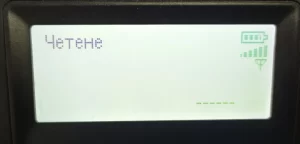
With the M button we go to “Read” mode password: 9999 and the CLK button – then TL
Monthly report and annual
With the M button – mode “Fisk. Memory” password: 9999 and CLK button.
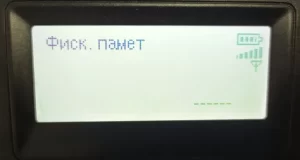
From the keyboard enter 31 and STL button , followed by first date of the month, QTY button, end date of the month. End the operation with the VD button.
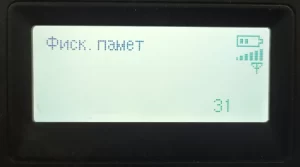
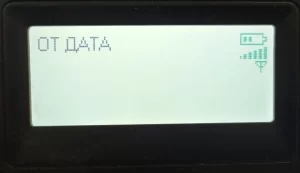

*Note: Date is entered as: day, month, year.
Example Monthly Report: 31 – STL – 010421 – QTY – 300421 – VD
Example Annual Report: 31 – STL – 010121 – QTY – 311221 – VD